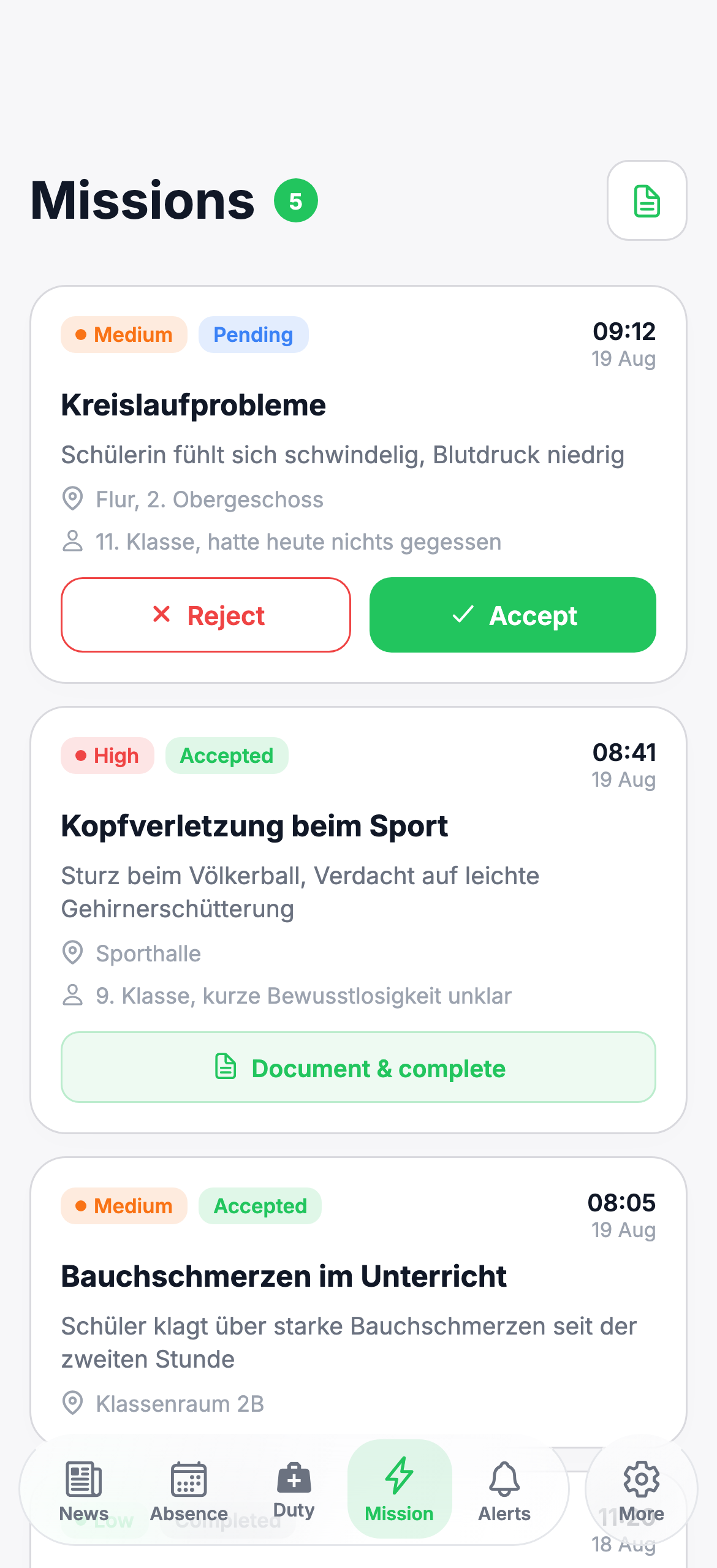
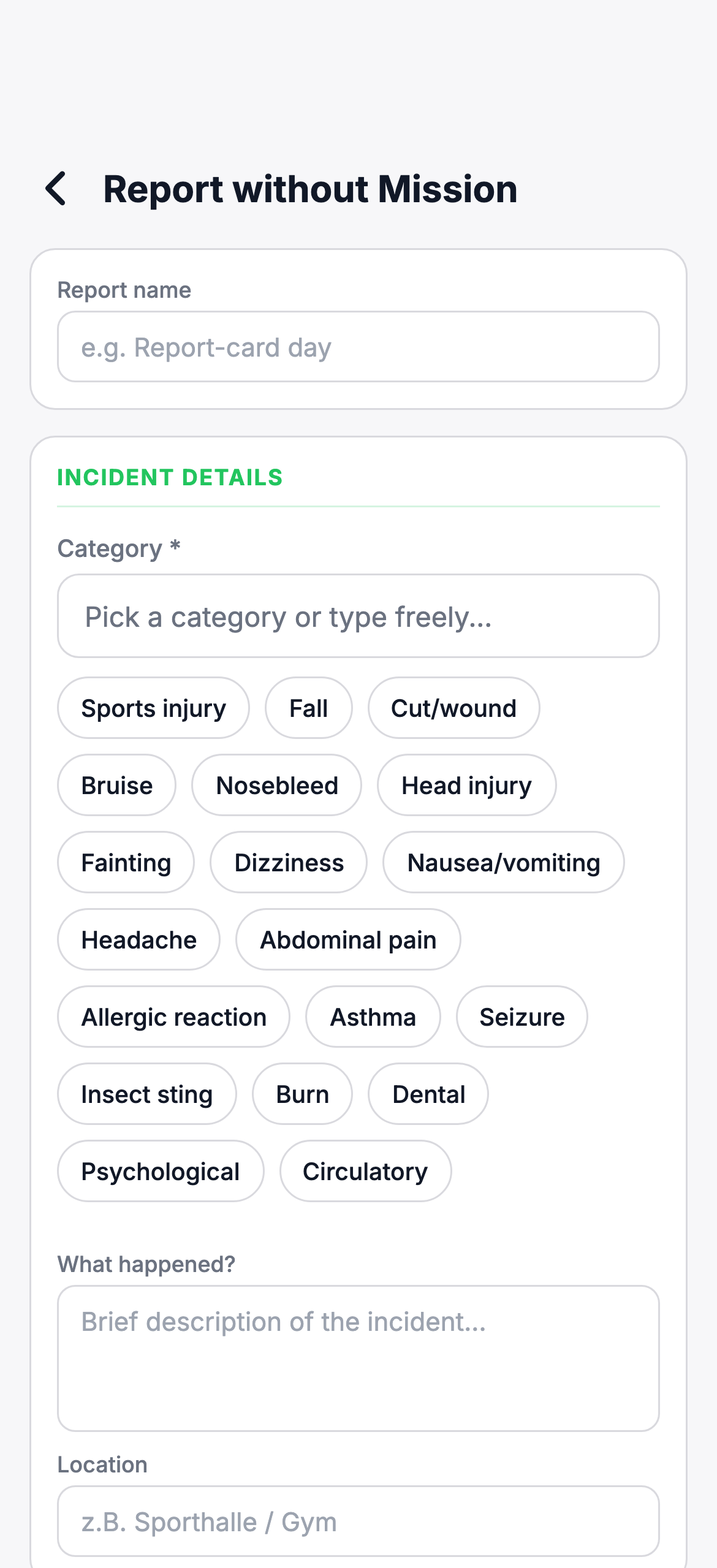
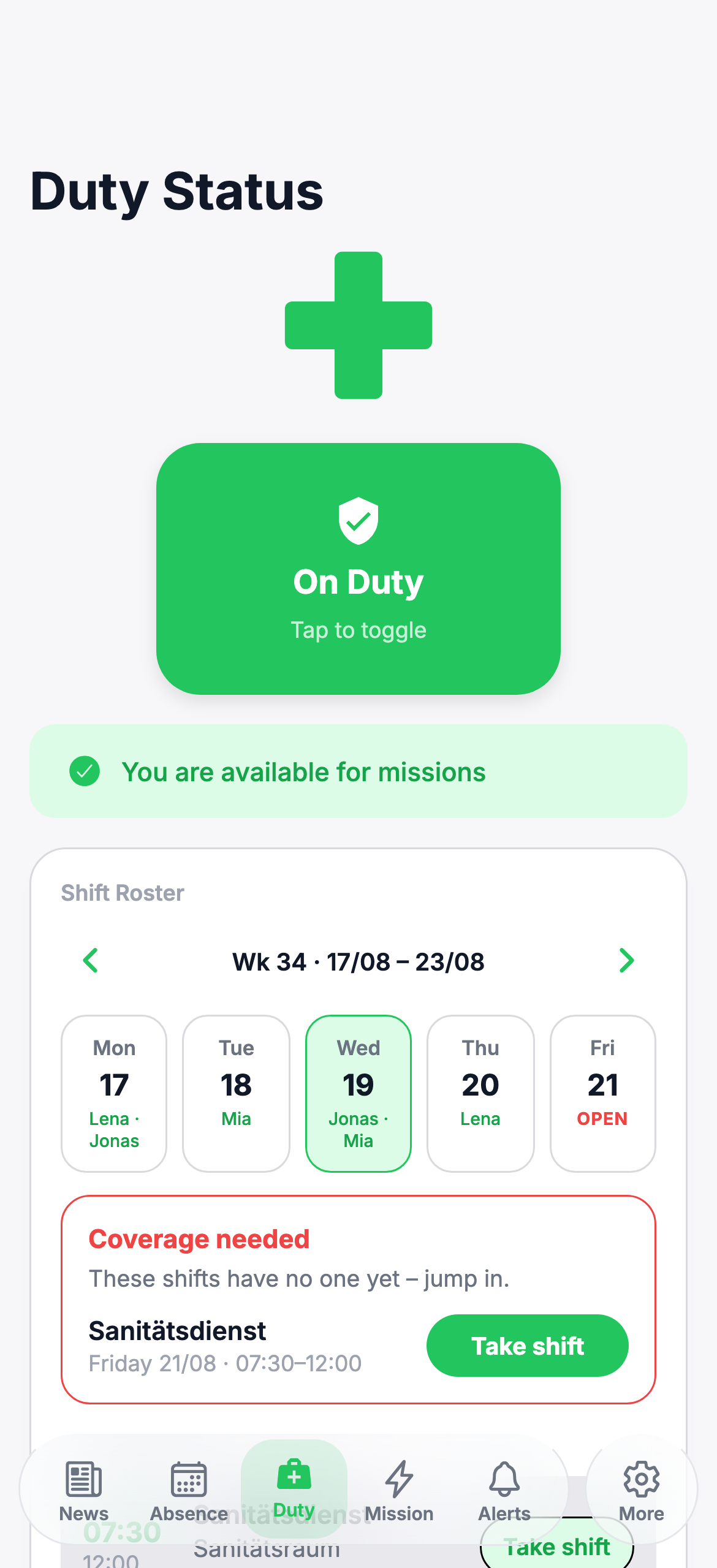
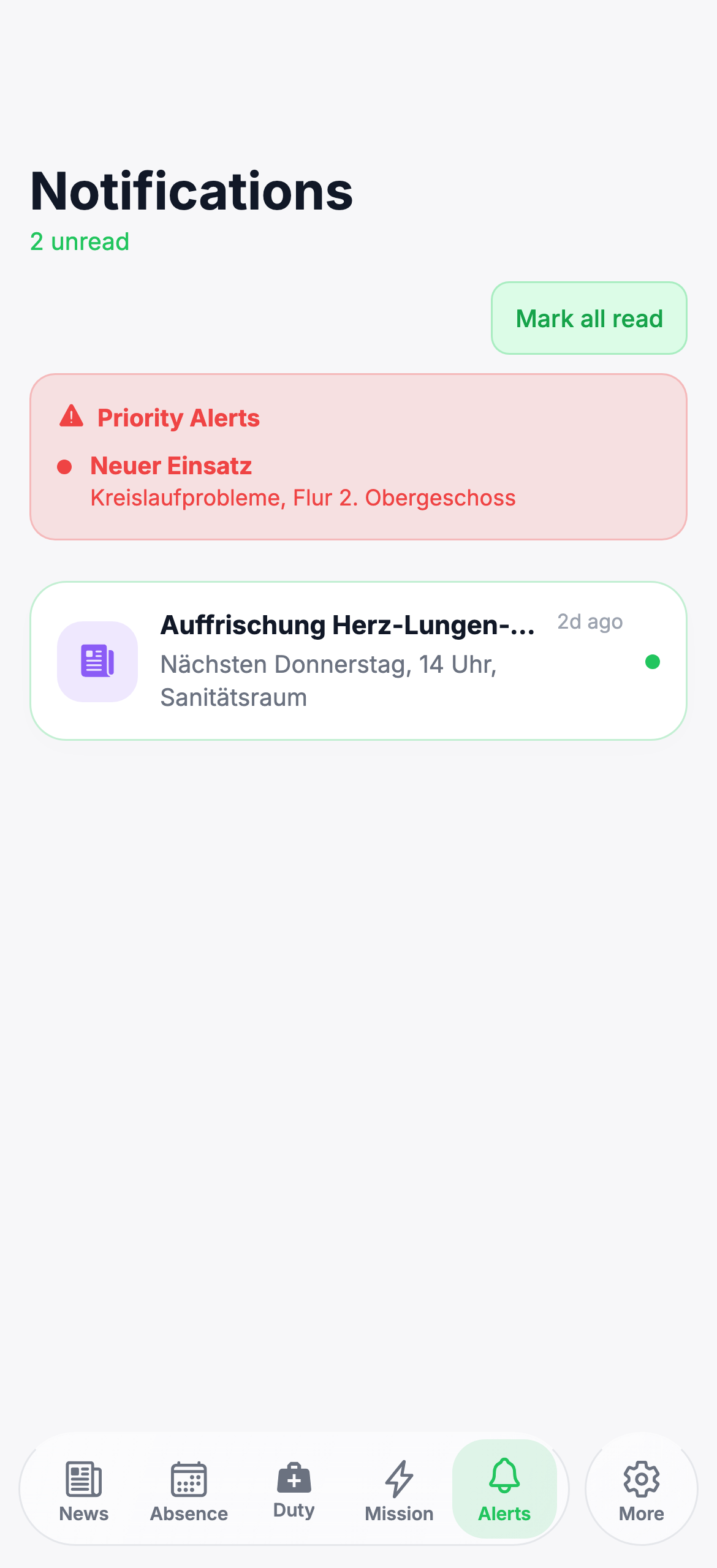
No more paper logs and loudspeaker announcements. Incidents are recorded on the phone, the next available first-aiders are alerted by push — and the duty roster is always up to date.
Sign in just like everywhere else
One tool for first-aiders, supervising teachers and school leadership — no training cards.
Time, location, injury, measures — filled in directly on the phone instead of catching up on paper forms afterwards.
The report is shared or printed as a PDF — for the school files, without retyping anything.
An incident? The next available first-aiders get a notification right away — quiet, targeted, fast.
Shifts are distributed, anyone who is ill reports off with one tap — the cover takes over with one tap.
Who can't make it when? The supervising teacher sees at a glance whether the service is covered.
First-aider, admin, teacher — every role sees exactly what it should see. Simple and secure.
The app is deliberately simple: clear steps, large buttons, no distraction — especially when it has to be fast.
No IT department, no server knowledge. We set it up, your team jumps right in.
In a short onboarding we set up the school: name, colours, sign-in options, roles of the first first-aiders.
Everyone signs in with the school code and their own account — Apple, Google, Microsoft or email. No password chaos.
Alerts arrive by push, the report is written during the incident, the PDF is ready. From day one.
We built the principle so that we can't even store personal data for long in the first place.
Every six months, yearly or after five years — the school chooses when it receives its reports. After the download, the data is deleted at our end.
All submitted reports arrive at the school as one PDF bundle — via download in the admin area. The download is the confirmation; after that, the data is gone at our end.
Schools that want to run everything themselves put the app on their own servers. Deletion after the export stays active.
Every school is separate. The school code and clear roles make sure nobody can look beyond their own school.
One annual price per school, unlimited first-aiders and teachers. Updates, backup and support included.
One-time onboarding: €149 (approx. 60–90 minutes, including setup and team training).
No. With the "Hosted" option we run everything — the school only needs phones or computers with a browser. If you prefer to run it yourself, choose "Self-hosting".
After onboarding (approx. 60–90 minutes) the team can start right away. The first notification goes out on the day the first incident is reported.
Anything with a browser: iPhones, iPads, Android devices, laptops and school PCs. The app can be added to the phone's home screen like a regular app.
The school decides when it receives its reports — every six months, yearly or after five years. Everything arrives as one PDF bundle; after download we delete the data. The names of first-aiders on duty remain.
With their own account — Apple, Google, Microsoft or email — plus the school code. No new passwords, nothing to remember.
A one-time €149. We set up the school, create the roles and show the team in 60–90 minutes how incidents, alerts and the duty roster work.
Practical articles: what a good app must do, how to start your service, and what to watch out for when documenting incidents.
How to recognise a serious solution — from alerting to GDPR compliance. With comparison table and checklist.
Read article Getting startedFrom school leadership to the first incident — a checklist to get you going within one school semester.
Read article Daily workWhat an incident log must record and why going digital saves your team time — during the incident and after.
Read articleWrite to us — we'll show you the app in a short demo and answer everything your school needs to know.